How to Use Temp Mail for Instagram: 2026 Privacy Guide
Social media platforms are hungry for data. When you sign up for Instagram, you are often required to provide a phone number or an email address, which is then linked to your digital identity for ad targeting. Whether you want to test the platform, manage a secondary business profile, or simply maintain your privacy, using a temporary email address is a smart strategy in 2026.
Why Use Disposable Email for Instagram?
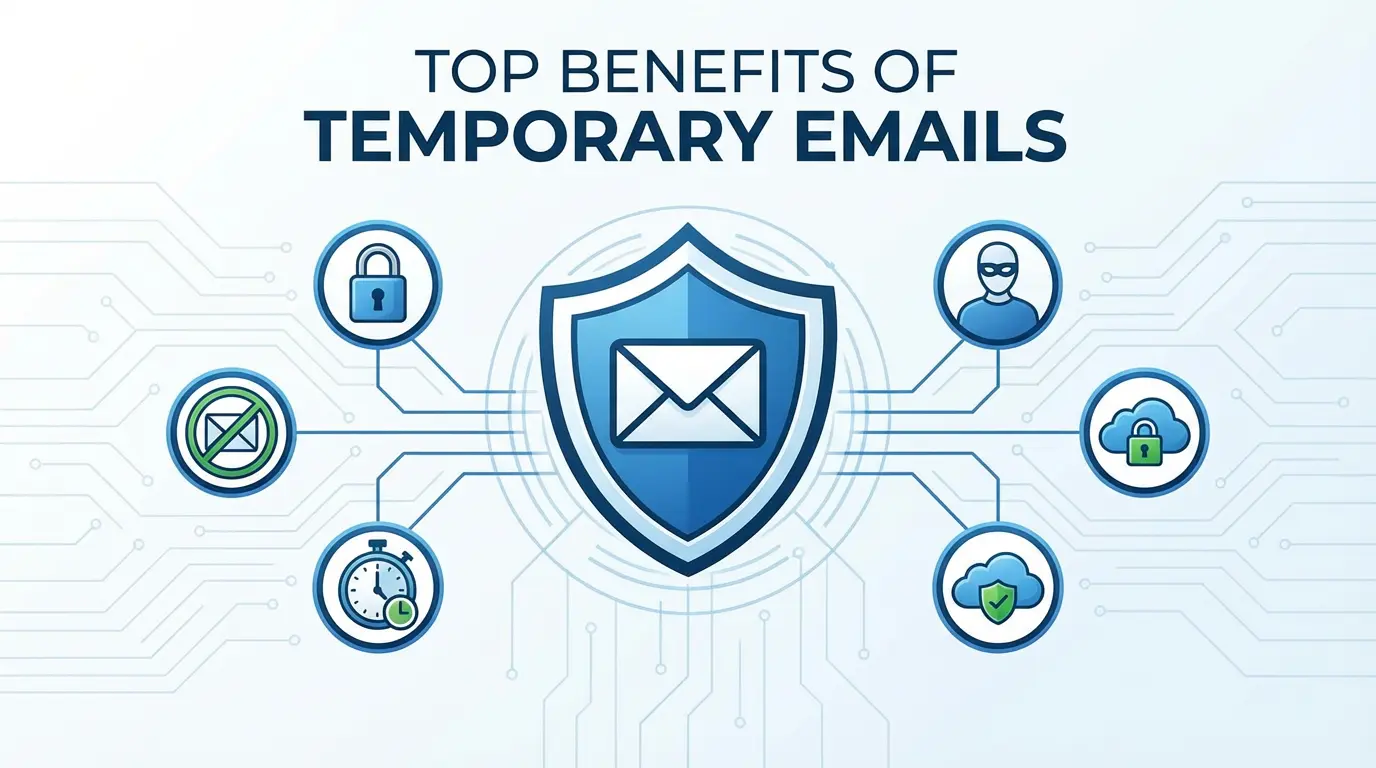
Using your primary email for every social media signup exposes you to risks. Here is why savvy users are switching to temp mail for Instagram:
- Spam Prevention: Instagram (and its parent company Meta) sends frequent notification emails. Keeping these out of your main work or personal inbox helps you stay organized.
- Enhanced Privacy: By using a burner email, you decouple your social media activity from your real identity. This makes it harder for data brokers to build a complete profile of your online life.
- Multiple Accounts: If you manage various pagesfor hobbies, side hustles, or testingyou can create unlimited accounts without needing to create a new Gmail or Outlook address for each one.
Step-by-Step: Creating an Instagram Account with Temp Mail
Follow these simple steps to set up your account in minutes:
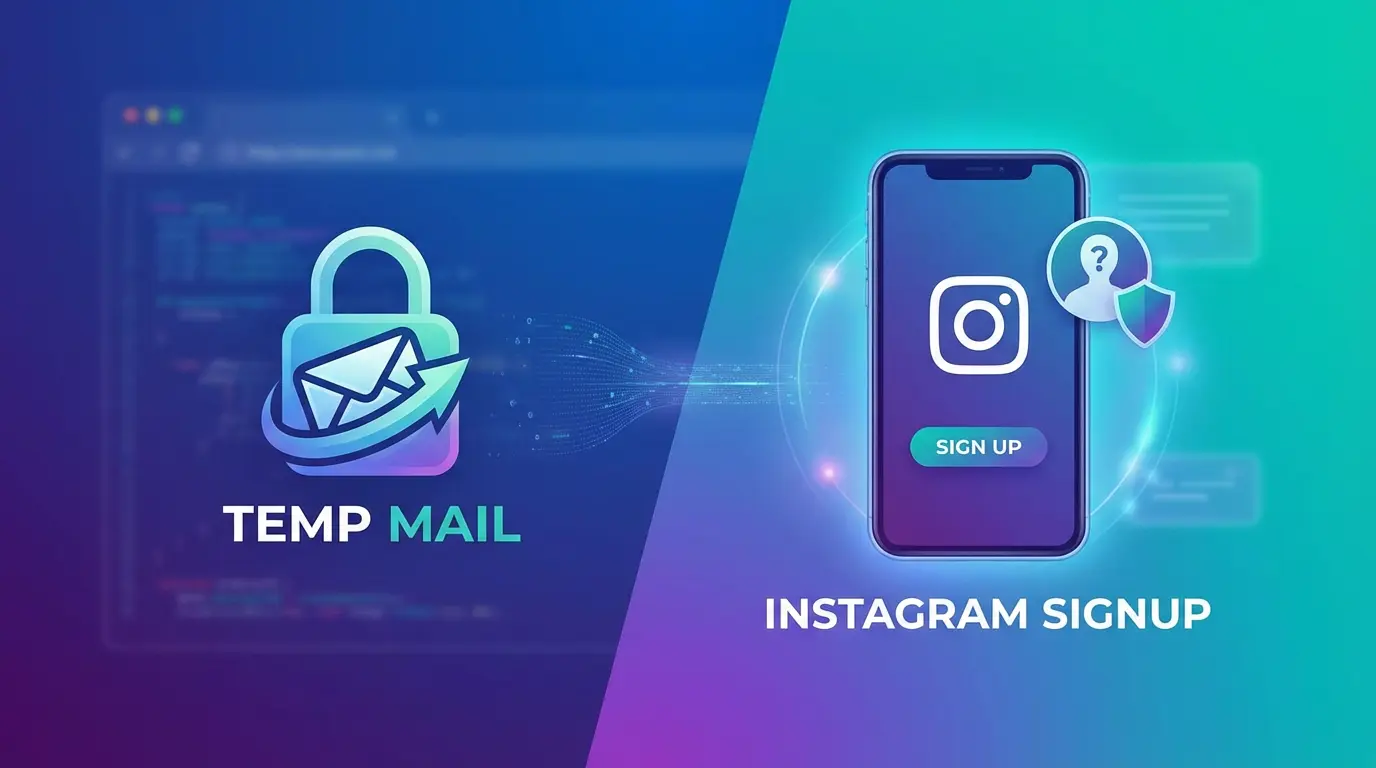
- Step 1: Generate an Address. Go to TempinMail to instantly get a free, unique email address. Keep this tab open.
- Step 2: Start Instagram Signup. Open the Instagram app or website and select "Sign up". When asked for contact details, choose "Email".
- Step 3: Paste and Verify. Copy your temporary address into Instagram. Instagram will send a 6-digit confirmation code.
- Step 4: Retrieve the Code. Switch back to the TempinMail tab. Refresh your inbox list if necessary. You will see an email from Instagram containing the code.
- Step 5: Finalize. Enter the code on Instagram, set your password, and you are done!
?? Critical Warnings for Professional Users
While temporary emails are powerful, they come with limitations you must understand:
- Account Recovery: If you forget your Instagram password, the reset link is sent to the email on file. Since temporary emails expire (often after a session or a set time), you cannot recover lost accounts created this way.
- Not for Business Assets: Do not use disposable emails for your main brand or business account. If Instagram triggers a security check later, you will be locked out permanently.
- Shadowbanning: Occasionally, Instagram flags domains from popular temp mail providers. If your signup is rejected, try generating a new address or using a premium alias service.
Conclusion
Using a temporary email for Instagram is an excellent way to protect your privacy and reduce inbox clutter in 2026. It is the perfect solution for lurking, testing features, or managing short-term projects. Just remember the golden rule: only use disposable emails for disposable accounts. Ready to start? Generate your secure address now at TempinMail.